How to check DualSense compatibility before you play
Check the device, the connection and the individual game.
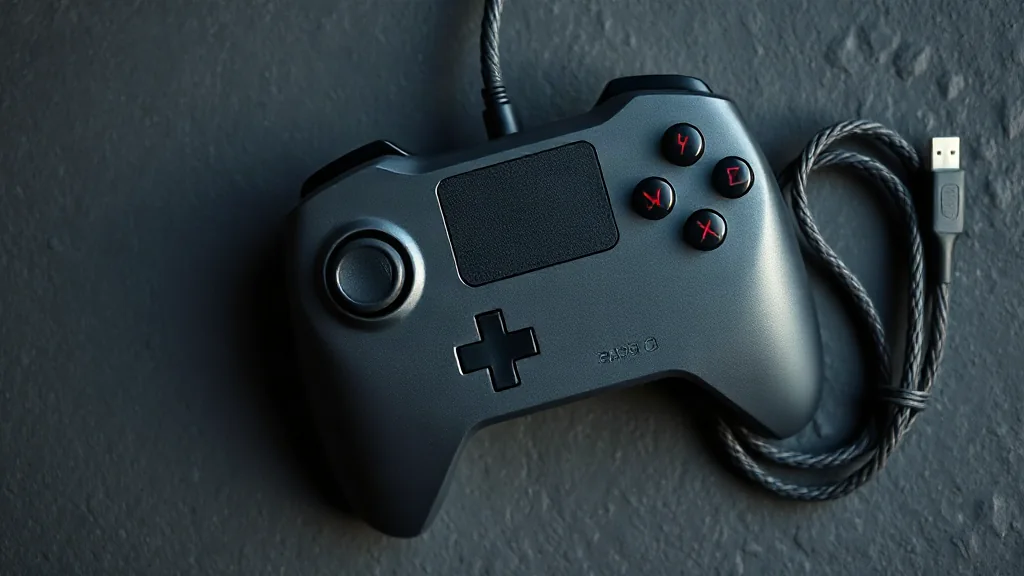
DualSense can pair with supported devices over Bluetooth or connect via USB. Start by checking how the device you want to play on supports the controller, then look up the individual game. The features available can vary by title, so a familiar controller can behave differently from one game to the next.
If haptic feedback is part of why you want to use DualSense on PC, check that the game supports it and connect the controller via USB. A feature list specific to the PC version will help you decide which connection to use. If you move the controller between setups or switch from a cable to Bluetooth, check the details for the game and connection you plan to use.
Browse PC controllers on Amazon UK